
Solves quadratic equations and uses the discriminant to show whether the roots are real, repeated, or complex.
 Formula Studio Pro
LaTeX math workspace
Formula Studio Pro
LaTeX math workspace
Private local AI + math-book rendering
A desktop math studio for browsing formulas, rendering LaTeX, building study material, exporting clean Word and image output, and asking a local AI tutor for step-by-step explanations.
Solves quadratic equations and uses the discriminant to show whether the roots are real, repeated, or complex.
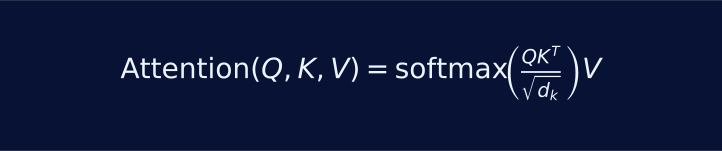
Shows how AI attention scores compare queries and keys, then use values to focus on the most relevant information.

Connects satellite speed to gravity, orbital radius, and semi-major axis in a real aerospace workflow.
Studio workflow
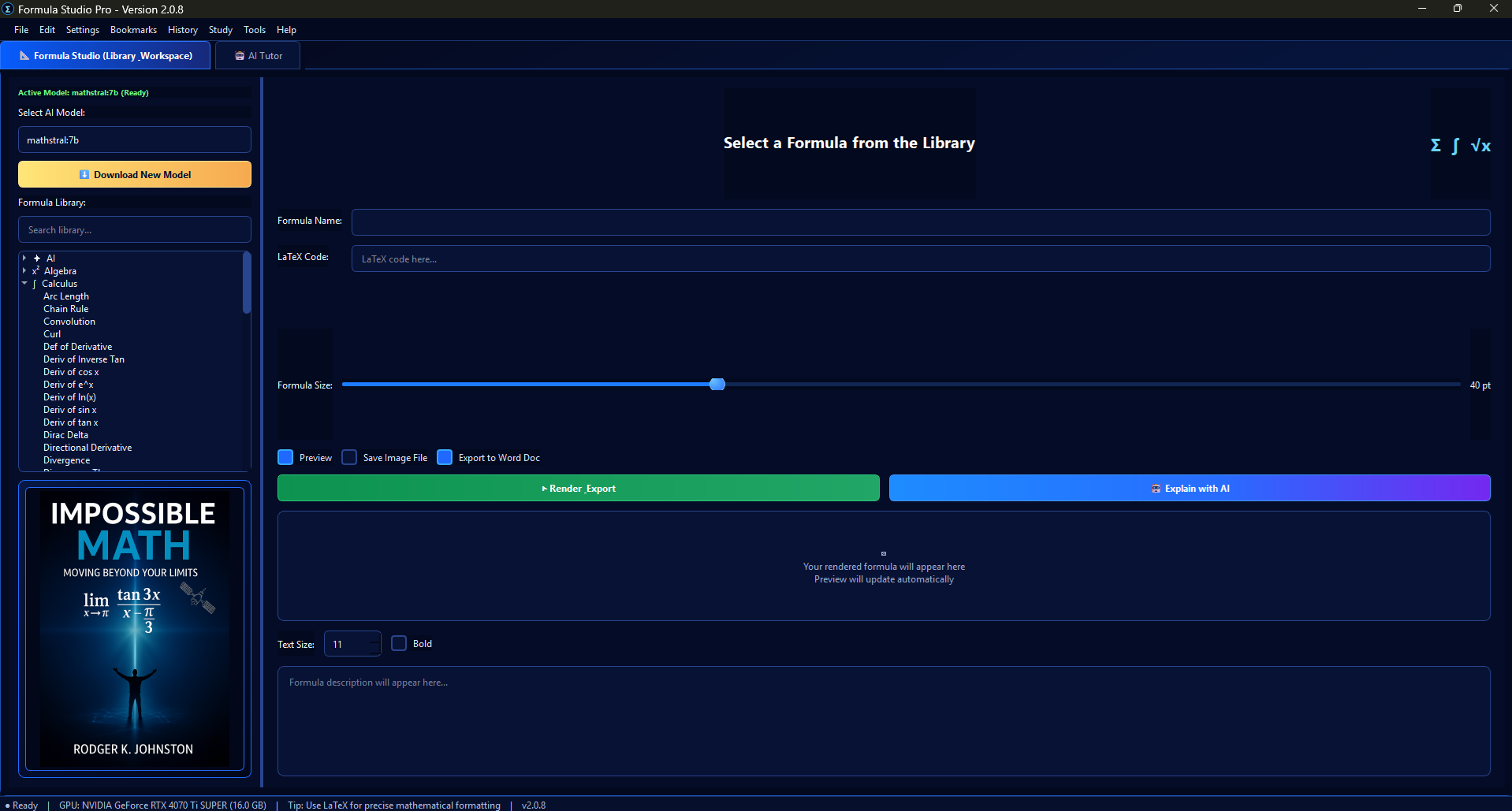
Formula Studio Pro keeps the formula library, LaTeX editor, preview surface, export controls, and model selection in one dense workspace.
Start with Algebra, Calculus, Geometry, Trigonometry, or AI formulas, then filter quickly by name.
Preview formulas at readable sizes and turn raw notation into clean math-book output.
Use local Ollama models for concise explanations, symbol definitions, and step-by-step learning support.
Save formula images or append rendered formulas and descriptions into a Word document.
Product features
The website now presents the actual feature set: formula browsing, rendered math, AI math chat sessions, launch-time model detection, saved study work, exports, local model controls, and the companion book workflow.
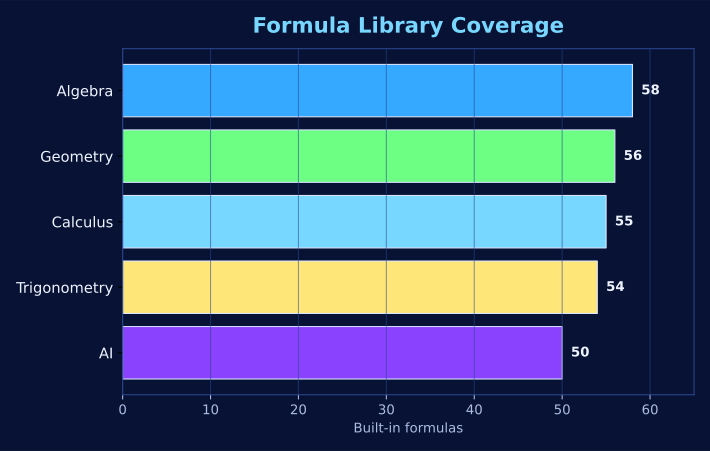
Search 273 built-in formulas across Algebra, Calculus, Geometry, Trigonometry, and AI, then edit LaTeX, preview the result, and add custom formulas.
Use the local AI Tutor for ongoing math conversations, saved session history, formula explanations, symbol definitions, and step-by-step learning support.
On startup the app checks installed Ollama models, loads detected math models into the model lists, and prompts for a recommended model if none are found.
The app can attempt to start the local Ollama service in the background, then reports AI online or offline status inside the workspace.
Select models per workspace or chat message, download new models from the Tools menu, and use math-focused models such as mathstral, deepseek-r1, and qwen math.
Dedicated GPU detection appears in AI Settings, the AI sidebar, and the status bar, with context-length controls for longer conversations and documents.
Display formulas as readable math notation instead of raw code, with explanations beside the formulas so users know what each equation means.
Attach PDF or text documents for context, ask questions about study material, and use image attachments such as graphs or screenshots for AI explanation.
Use built-in learning strategies such as Feynman-style explanation, Socratic tutoring, explain-then-quiz, intuition-to-formal math, and level-based teaching.
Flashcards, quiz progress, formula of the day, definitions reference, and learning prompts support repeatable study instead of one-off answers.
Save rendered formula images, export formulas and notes to Word, print the current formula, and keep study output organized for later use.
Save useful math websites, open references from the app, and use built-in tools to support research while working through formulas.
Local Ollama remains the default path. Optional OpenAI, Claude, Gemini, and Grok key slots are available but not required for normal local AI use.
Use generation history, the built-in manual, definitions reference, splash-screen settings, and developer information from the app menu system.
Private by default
The app is built around local Ollama usage, optional model management, GPU-aware settings, context-length controls, and formulas that display as readable notation instead of plain text.
Formula library
The built-in catalog spans 273 formulas across math fundamentals, AI, and applied problem solving.

Calculus preview with display-style notation.

Engineering formulas stay sharp on desktop, tablet, and mobile.

Vectors, sums, roots, integrals, fractions, and AI notation are first-class content.
Real-world engineering applications
Formula Studio Pro is designed for math that connects to real systems. One example is the Rodgers Sat Tracker work, where orbital mechanics, coordinate transforms, pass prediction, Doppler correction, and space-weather math all depend on clear formulas and disciplined explanation.
Visit Rodgers Sat Tracker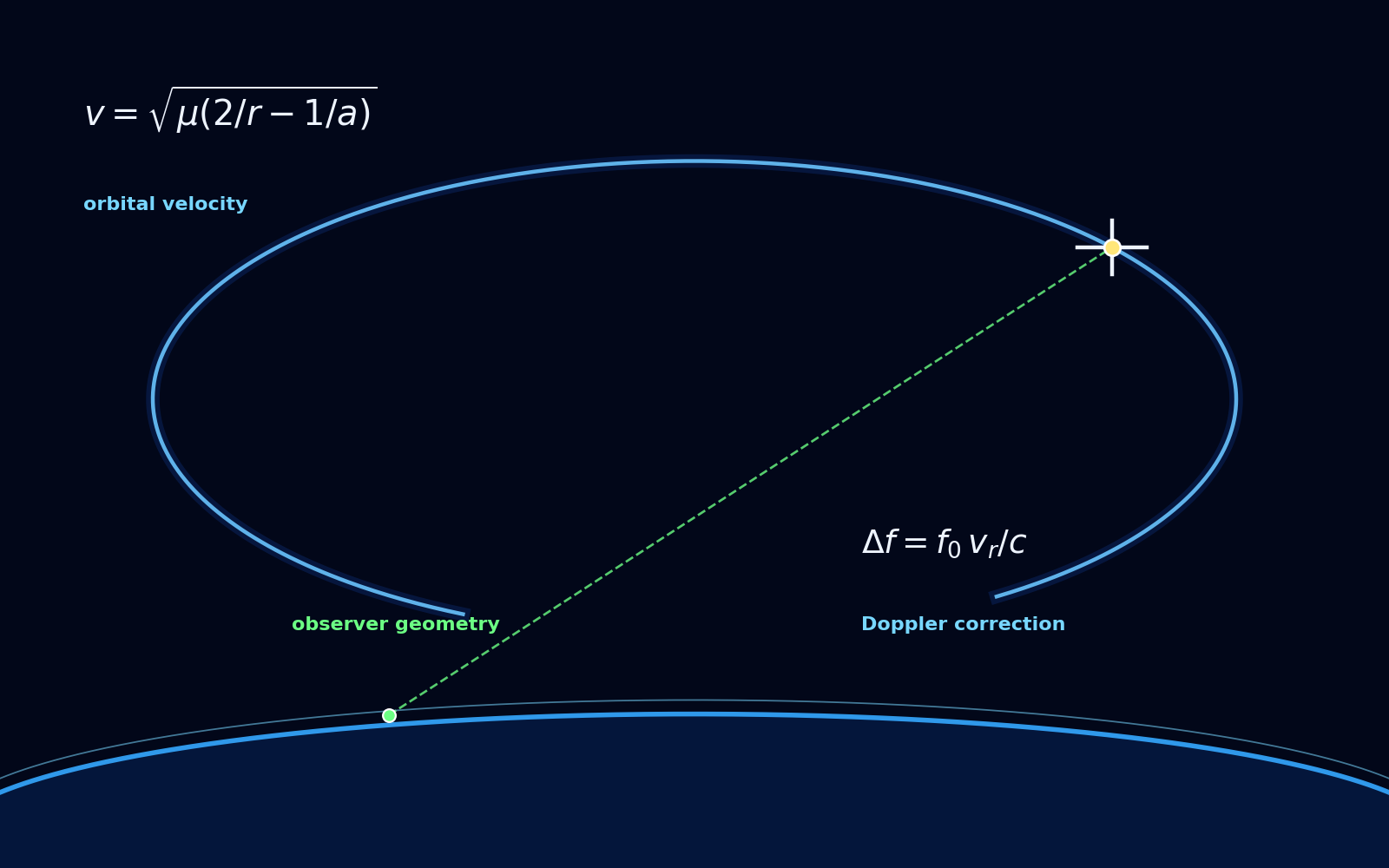
Orbital velocity estimates spacecraft speed, while Doppler correction explains how relative motion shifts a received radio signal.
Companion book
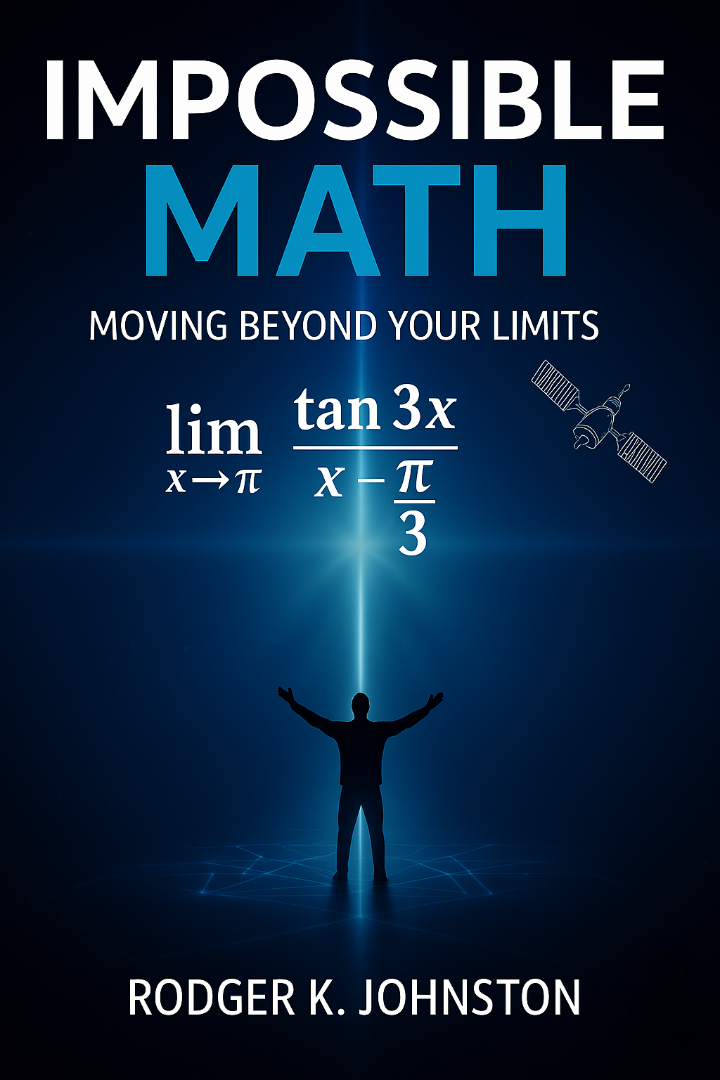
The Formula Studio Pro workspace is designed to support the companion book experience: clean formulas, visual explanations, local AI tutoring, and study-ready exports that help readers move from notation to understanding.
Study output
Flashcards, quiz progress, formula-of-the-day tools, searchable definitions, session history, and export controls turn the app into a structured learning environment.
Contacts
For Formula Studio Pro sales and product inquiries, use the email address below. It is shown as plain text so it is not clickable.